 No One Lives Forever
A 90-second montage of the game, captured in this port: Cate Archer in gunfights, chases and cutscenes across the 16 missions.
Cate Archer is back on duty.
No One Lives Forever, the 1960s spy classic from 2000: every mission and the Game of the Year extras, right here in your browser. Nothing to install.
Play nowMissions
All 16 missions and their 65 levels, in story order, plus the chapters made for the PlayStation 2. Where an interlude or training level leads into a mission, it is listed with it. Turn a photo over for its briefing, pickThe briefing is under each photo. Pick a part to start right there; new agents start with the training.
-
Nine years ago, a young Cate Archer the cat burglar. A chapter made for the PlayStation 2 version, never on PC until now.Click to play
 exclusive New!Nine Years Ago
The cat-burglar flashbacks
-
The PlayStation 2 version of Mission 7 goes further than the PC game: under the Dumas mansion there is a shooting gallery and a hidden complex of lifts.Click to play
exclusive New!A Man of Influence: the training groundsUnder the Dumas mansion
-
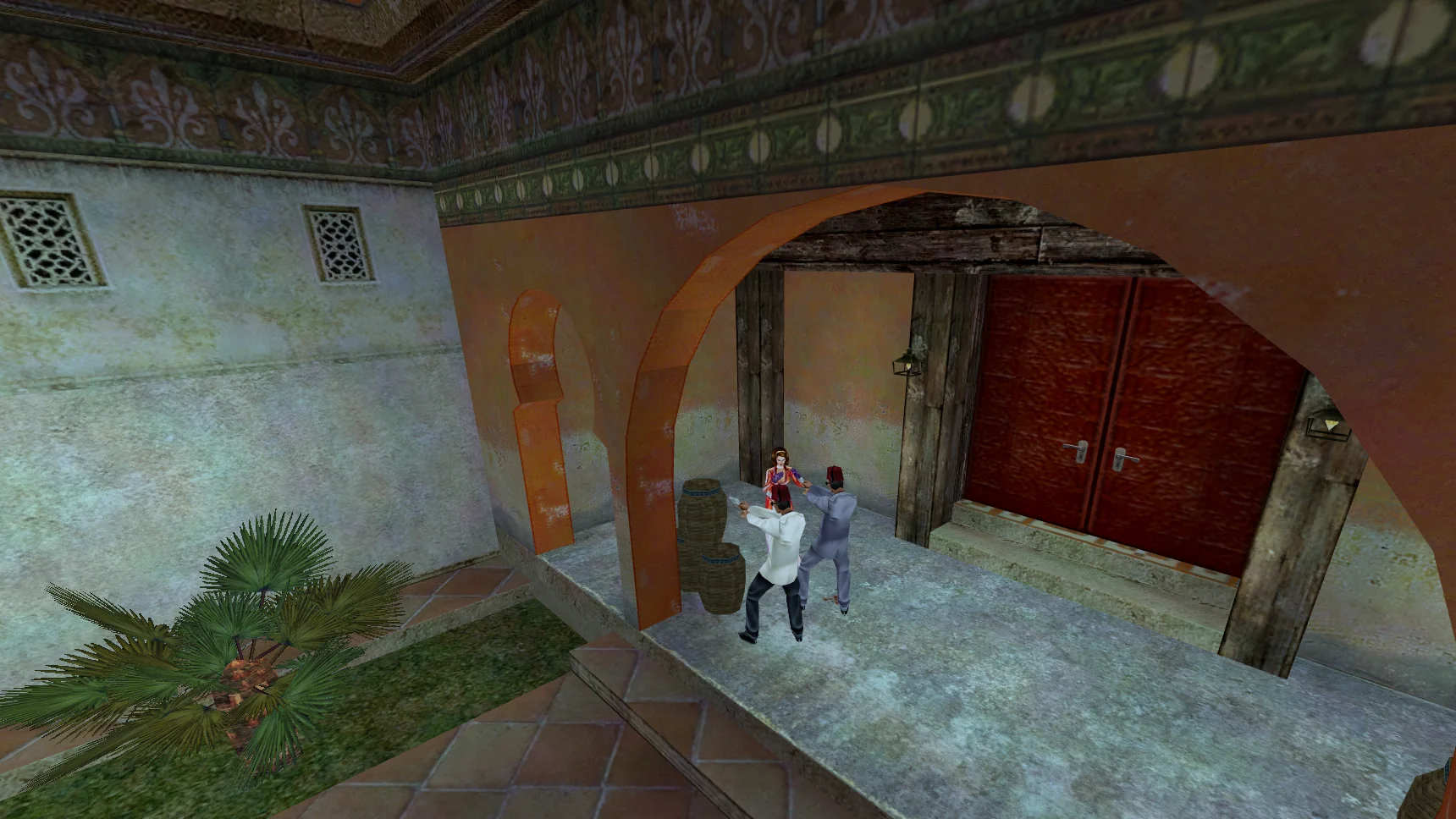
An American diplomat has been marked for death in Morocco. Can Cate and Bruno stop the assassins before it’s too late?Click to play
Mission 1Misfortune in Morocco
Morocco
Training: The Assignment, part 2, part 3
-
An East German scientist promises classified information in exchange for political asylum. The trick will be to get inside the heavily fortified facility in which he’s being kept, locate him, and get him out alive.Click to play
Mission 2Berlin by Night
East Germany
Interlude: Requiem for a Spy
-
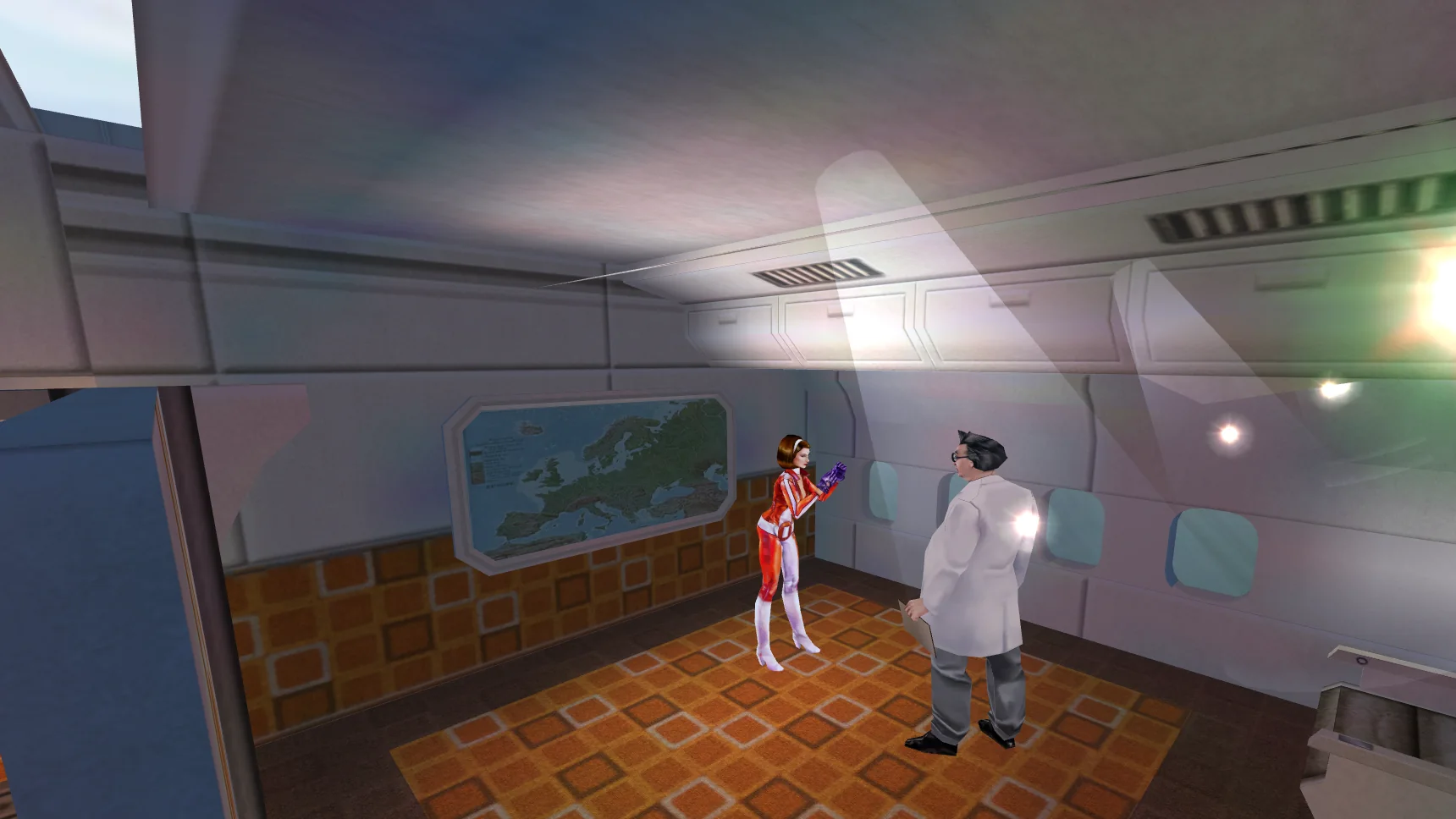
During the flight to Paris, Cate spies an opportunity to ply the good doctor for information on his research. What secrets can she charm from him?Click to play
Mission 3Unexpected Turbulence
A flight to Paris
-
Thomas Goodman, a UNITY operative from the American branch, may have information pertaining to the doctor’s abduction. Cate must rendezvous with Goodman in Hamburg and see what he has to offer.Click to play
Mission 4Rendezvous in Hamburg
Hamburg
Interlude: Care to Explain?
-
The trail leads to a Finnish cargo freighter. Getting aboard won’t be easy, but it may be the only way to uncover H.A.R.M.’s scheme and get the doctor back.Click to play
Mission 5A Tenuous Lead
A Finnish cargo freighter
Interlude: Visit to Santa’s Workshop
-
Cate heads back to her hotel in hopes that Agent Goodman has left a message for her there. Once she contacts him, they can plan their next step.Click to play
Mission 6The Dive
The hotel, then a dive
Interlude: H.A.R.M.’s Promise
-
The evidence points to Baron Archibald Dumas, a reclusive British tycoon and renowned safari hunter. Cate and Tom must make contact with him and try to ascertain his involvement.Click to play
Mission 7A Man of Influence
Interlude: If Our Demands Are Not Met
-
Cate’s mission is to infiltrate the Dumas corporate headquarters, break into the safe, and photograph any useful documents contained within. The only trick is getting past all the state of the art security measures.Click to play
Mission 8Safecracker
The Dumas corporate headquarters
Interlude: Further Investigation Required
-
With Doctor Schenker possibly within UNITY’s grasp at last, Cate heads to North America for a train ride into danger.Click to play
Mission 9Rescue Attempt
A train in North America
Interlude: An Ounce of Hope, A Pound of Despair
-
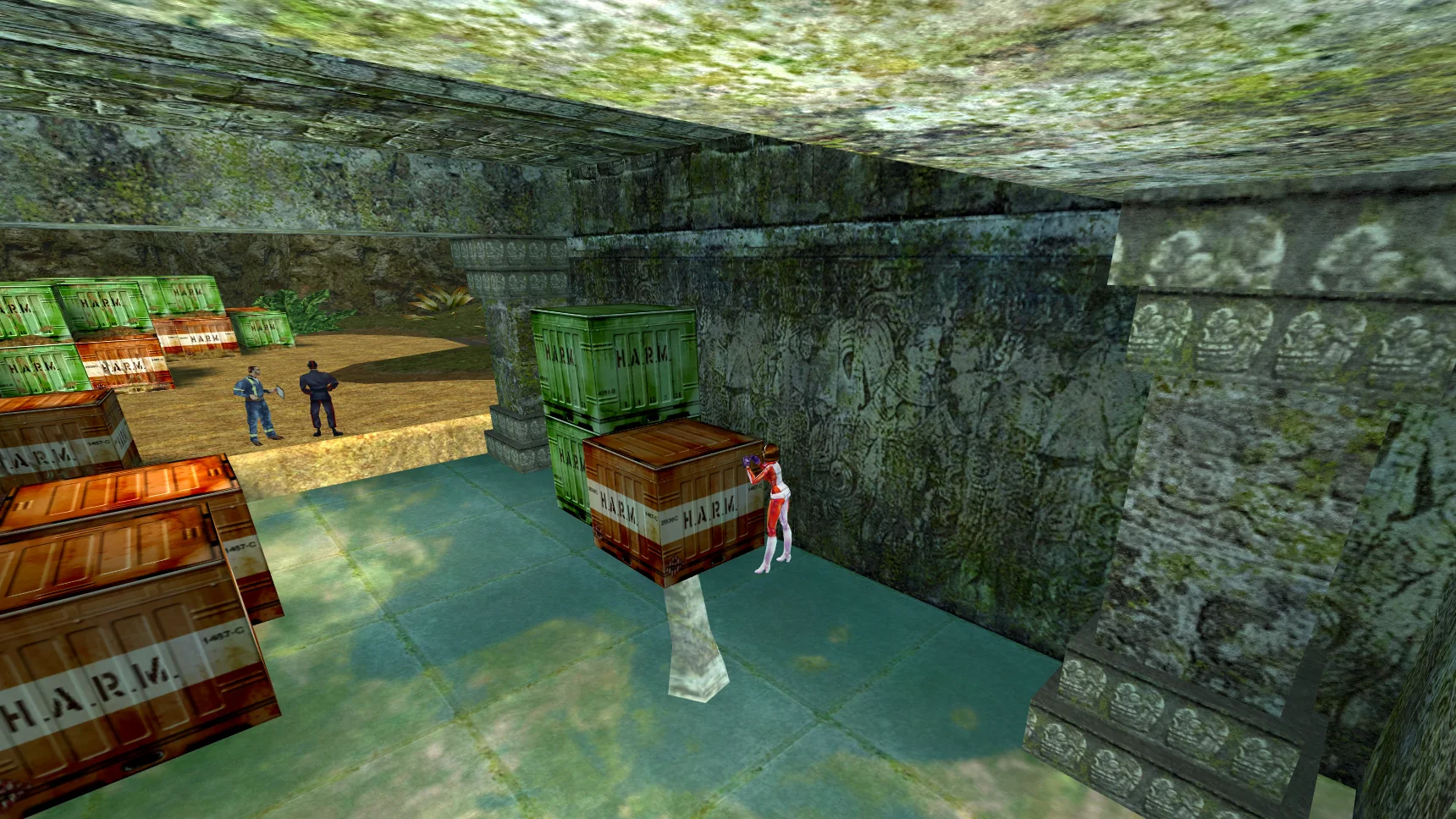
Cate ventures into a mysterious tropical paradise in search of answers.Click to play
Mission 10Trouble in the Tropics
A tropical island
Interlude: A Stern Warning
-
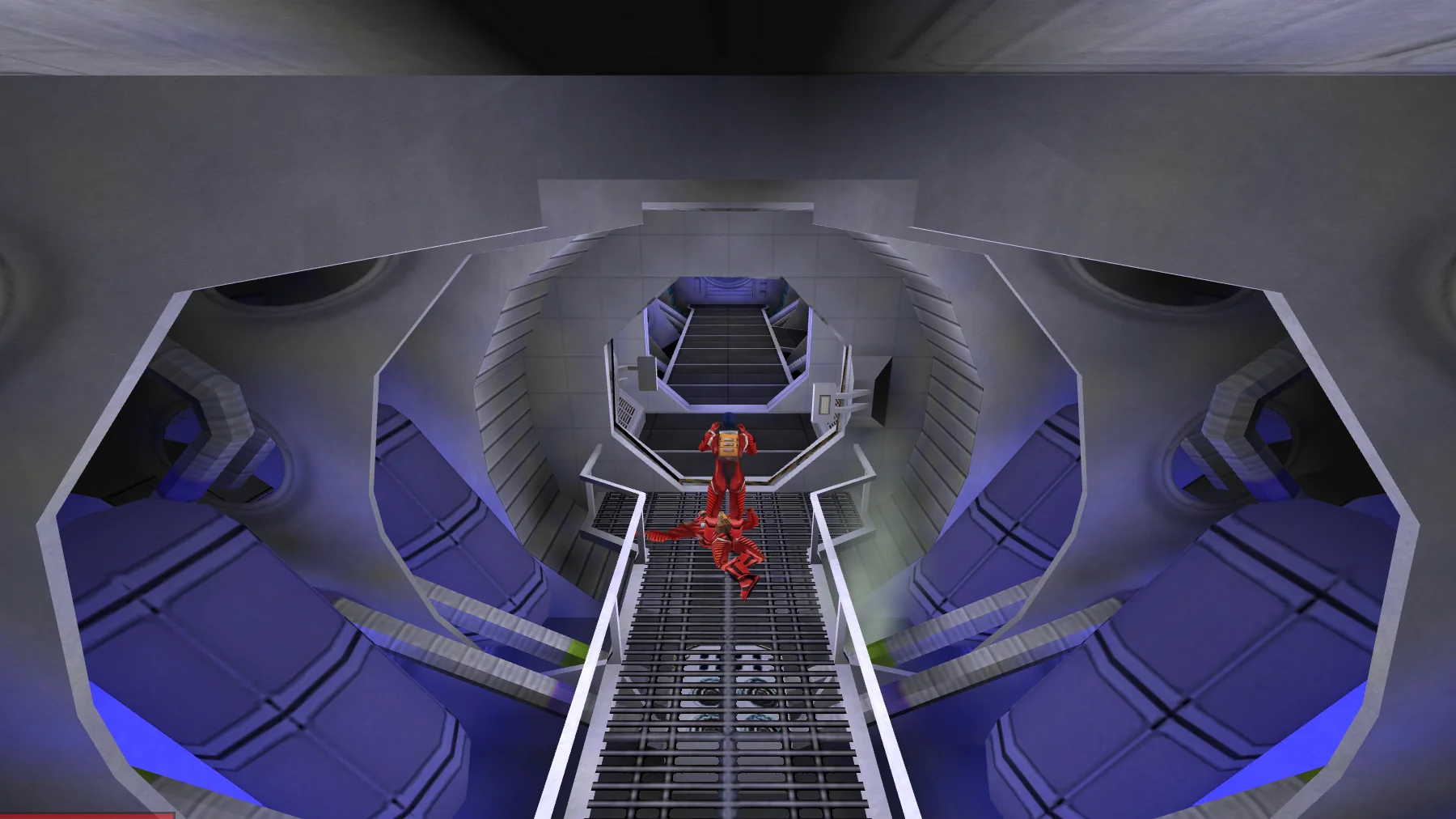
Cate follows a hunch into orbit in her efforts to retrieve the antidote for H.A.R.M.’s deadly reagent.Click to play
Mission 11Low Earth Orbit
A space station in orbit
-
Cate finds herself on the trail of the baroness high in the German Alps. If her theories are correct, the baroness may lead her to the list.Click to play
Mission 12Alpine Intrigue
The German Alps
Interlude: Good Luck and God Speed
-
With time running out, Cate infiltrates the Dumas’ chateau, braving the elements and overwhelming odds in a desperate bid for victory.Click to play
Mission 13The Indomitable Cate Archer
The Dumas chateau
-
Cate has the list, but she still has to deliver it. Can she get off the mountain before disaster strikes?Click to play
Mission 14A Very Large Explosion
The mountain
-
Triumphant but exhausted, Cate reports in and prepares to make her way back home. There are many questions left unanswered, but life is rarely as neat and orderly as we want it to be.Click to play
Mission 15Such is the Nature of Revenge
-
Now that the world is out of H.A.R.M.’s way, Cate is sent on a well-deserved vacation.Click to play
Mission 16 New!Rest and Relaxation
A vacation island
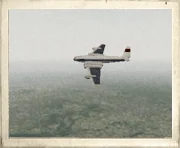
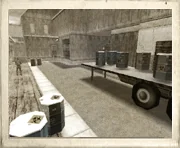
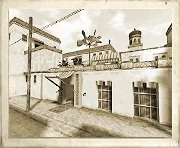
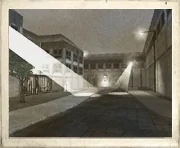
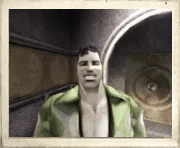
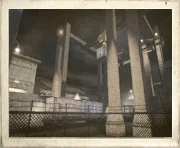
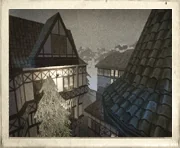
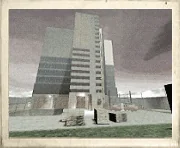
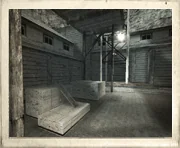
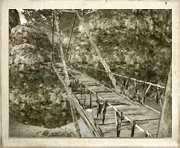
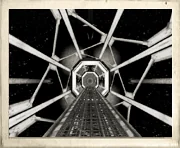
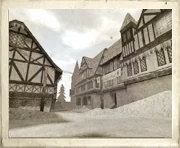
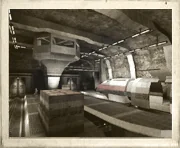
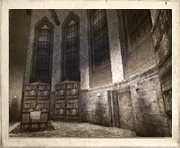
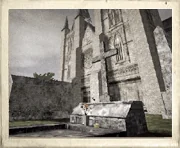
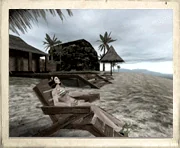
Screenshots
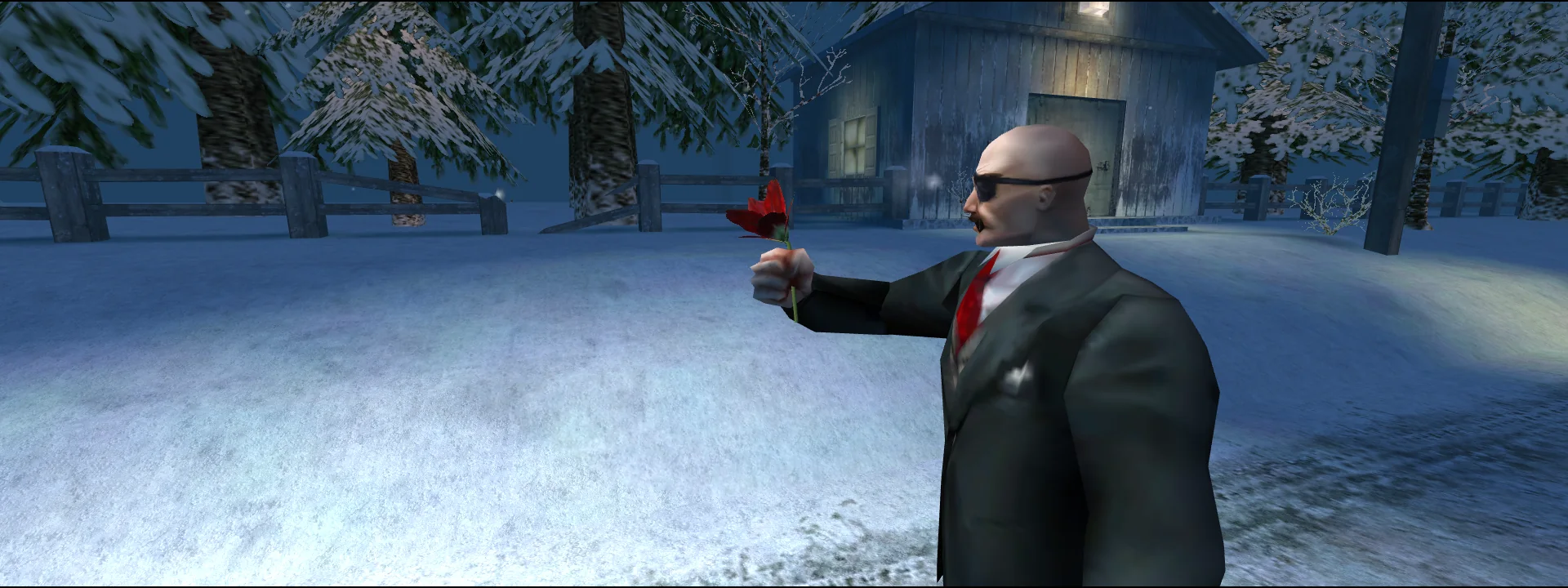
Taken in this browser version of the game. Click a picture to see it full size.
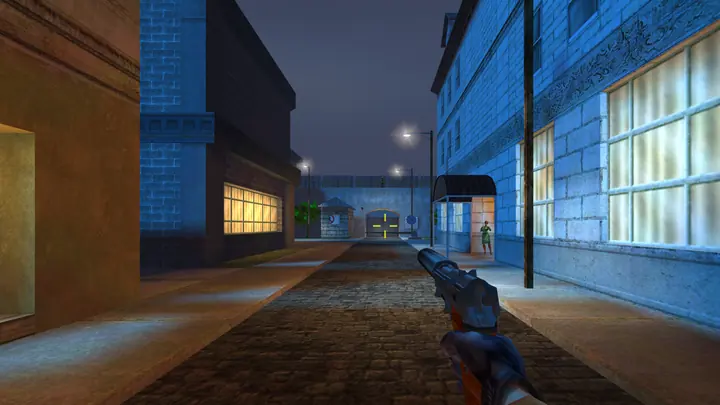 Berlin by Night
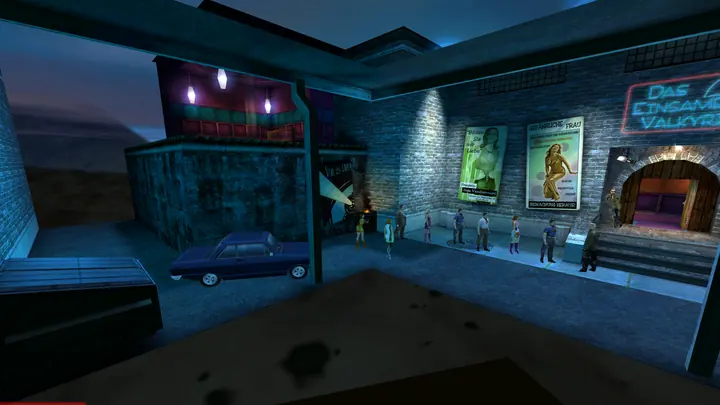 Rendezvous in Hamburg
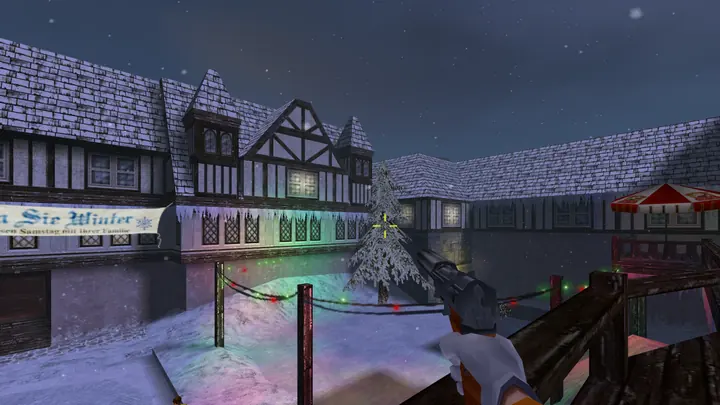 Alpine Intrigue
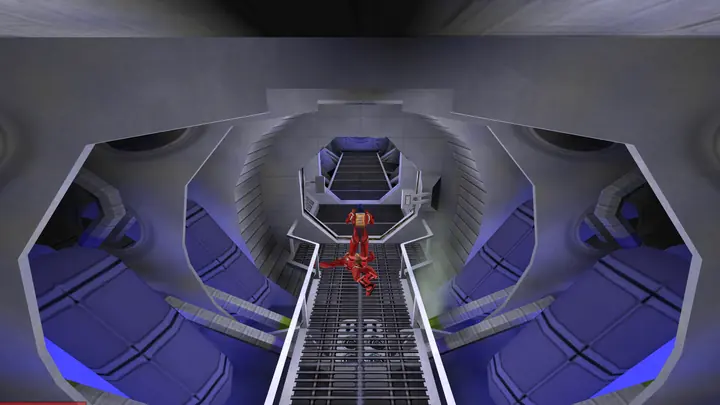 Low Earth Orbit
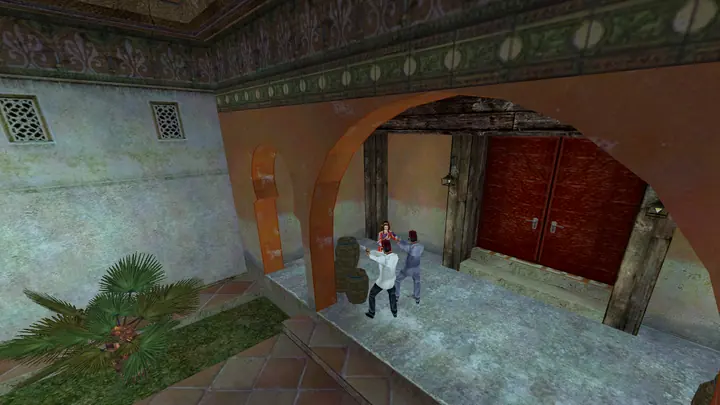 Misfortune in Morocco
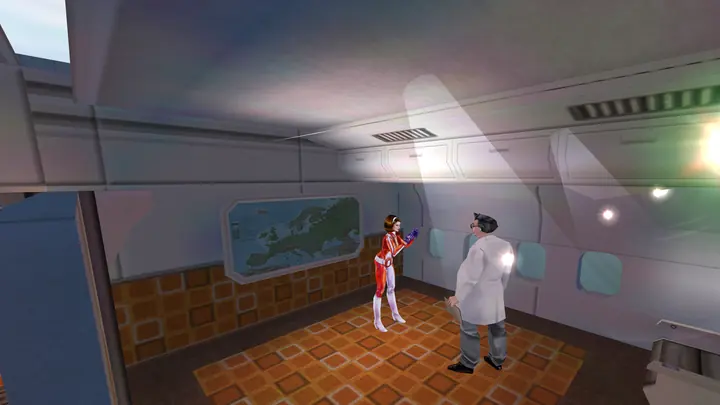 Unexpected Turbulence
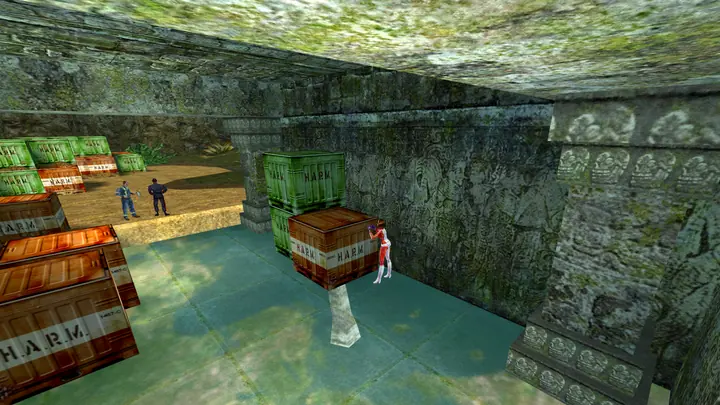 Trouble in the Tropics
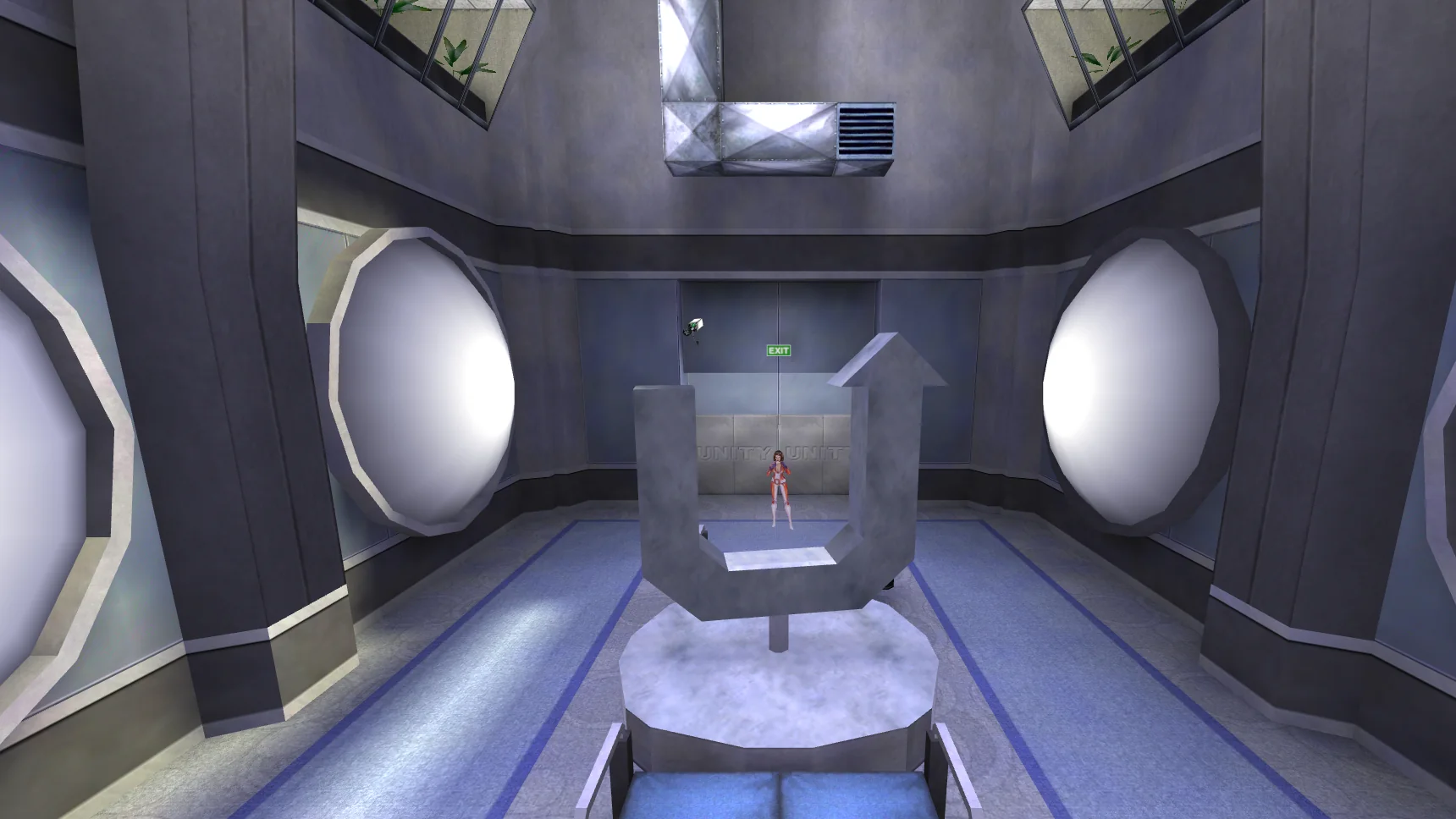
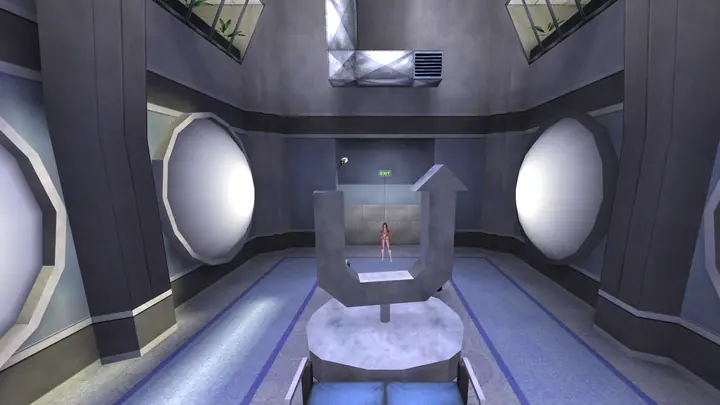 UNITY headquarters
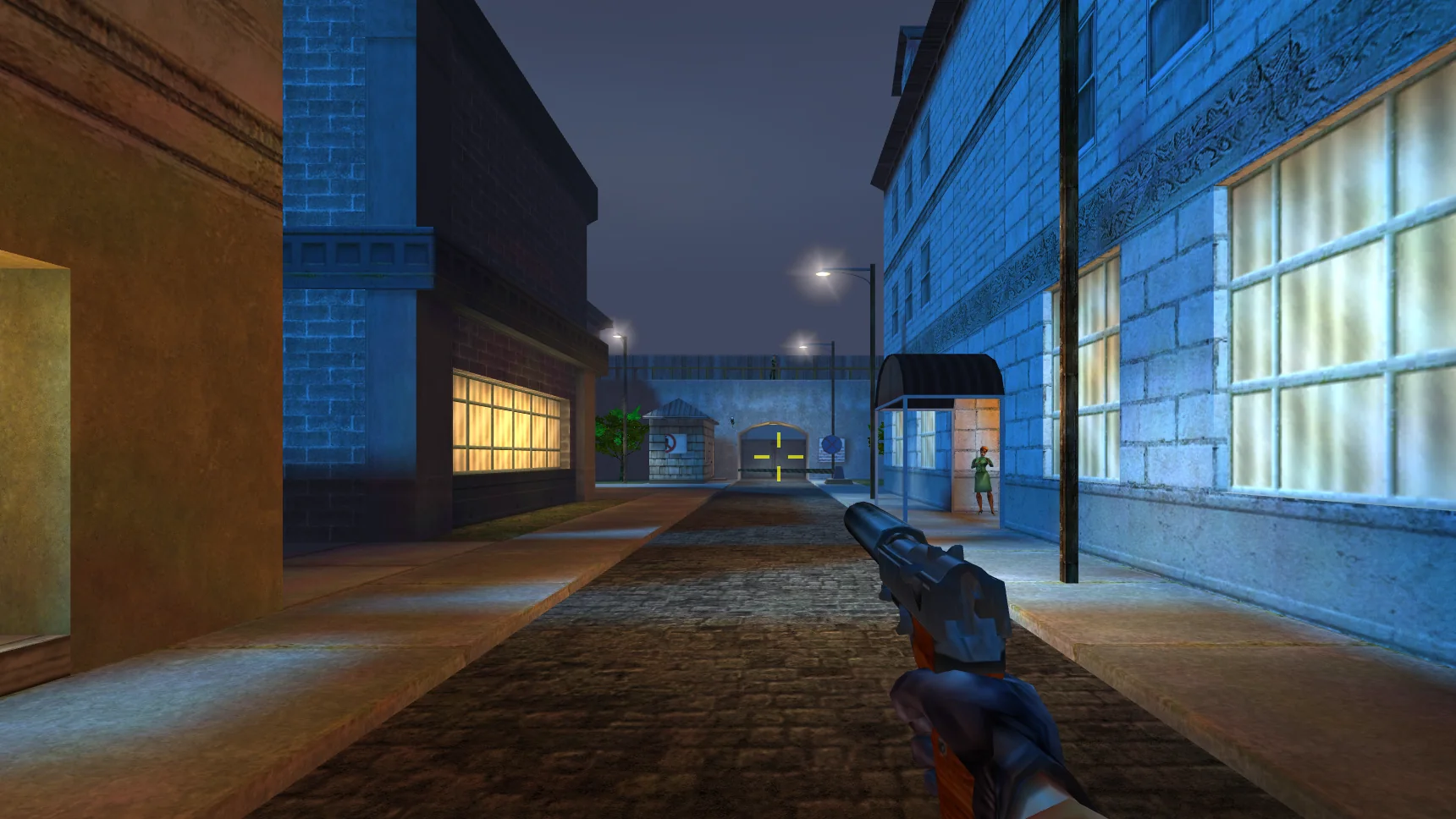
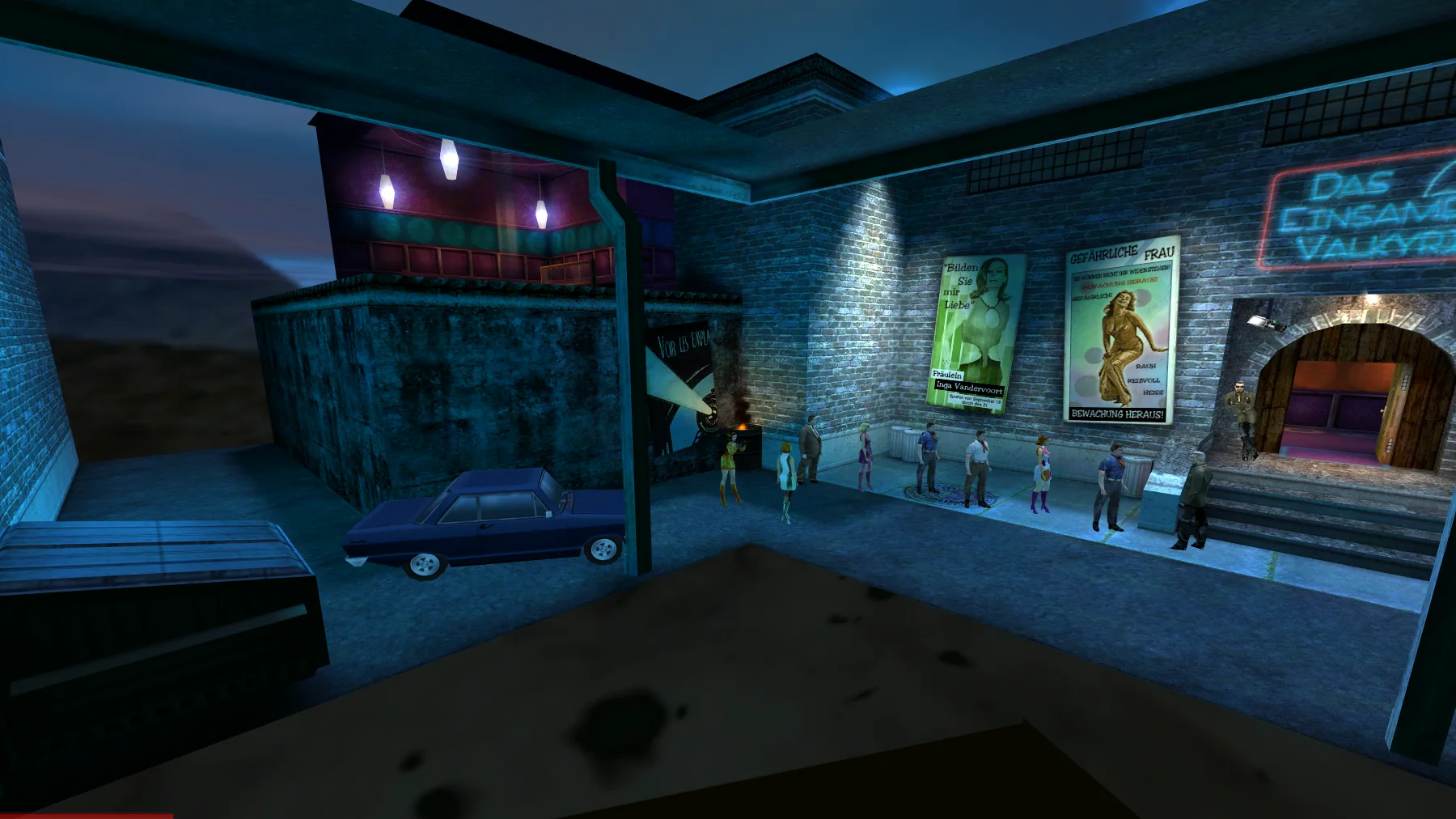
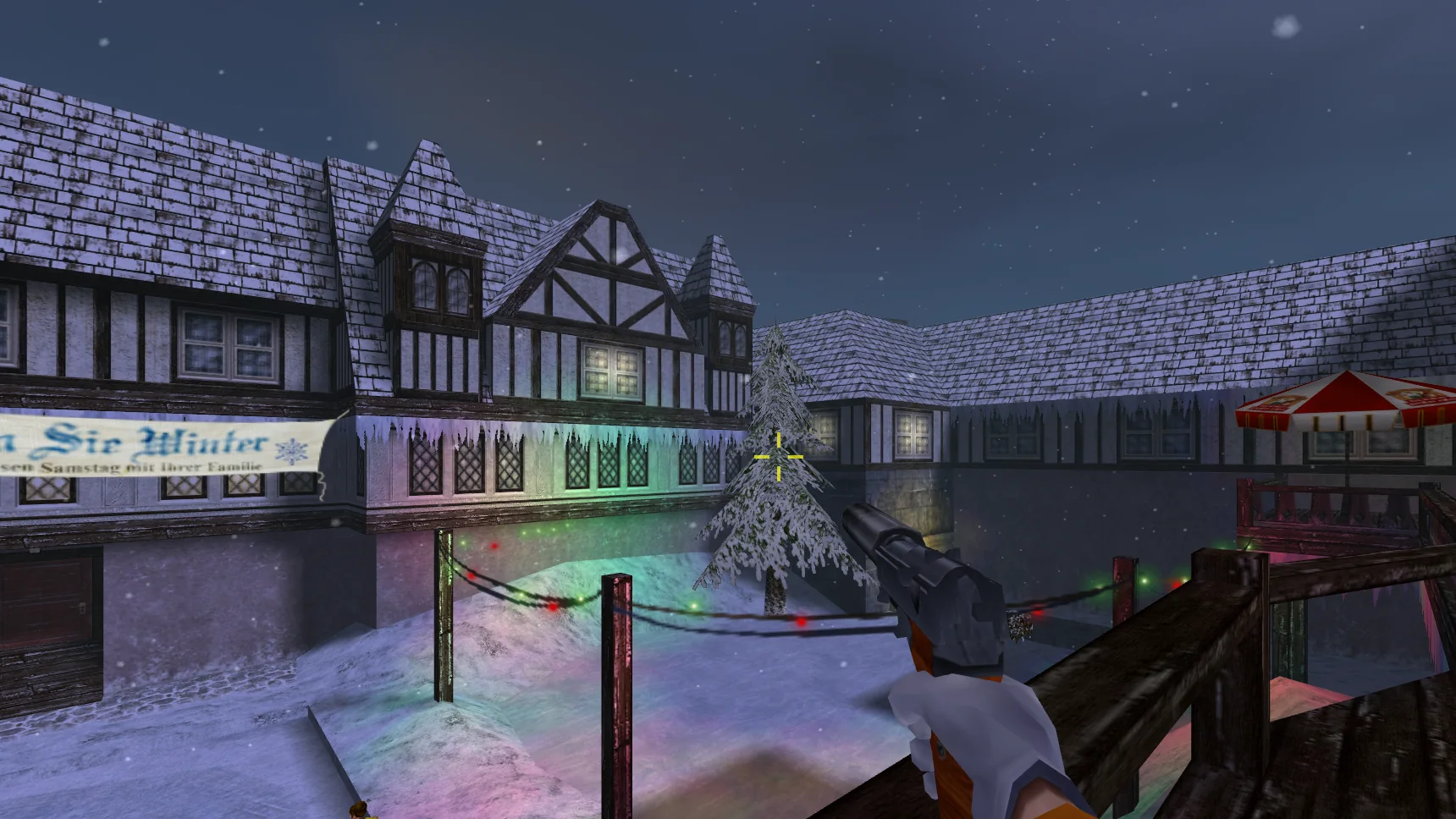
The game
It is 1966. Cate Archer, a former cat burglar, is UNITY's newest operative and the only woman in its field service. When UNITY's agents start turning up dead, she is sent after H.A.R.M., the criminal organisation behind it all: from Morocco to Berlin, the Alps, the bottom of the sea and low Earth orbit.
No One Lives Forever was made by Monolith Productions and published by Fox Interactive in 2000. The Game of the Year Edition followed in 2001 with an extra mission. It was loved for its writing, its music and its gadgets, and it has been hard to buy or play for a long time.
Here it runs from the original game files: the same levels, cutscenes, voices and music, in your browser.
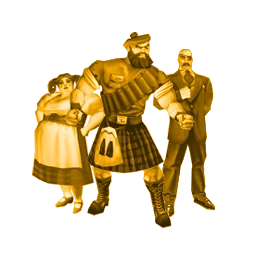
At the end of every mission, UNITY hands out awards. A few of the game's own:
- Thanks For Not Getting Hurt AwardIssued by Mr. Jones, Chief of UNITY
- Ammunition Conservation AwardIssued by the UNITY Finance Committee
- Gold Coin for SneakinessIssued by the Thieves Guild of London
What's new
The game opens in your language
The game now starts in your browser's language when it is one of the six this site speaks, and you can pick another on the loading screen as well as in the pause menu: the change applies at once and, in a level, keeps your place. Fixed: the game opened in English even from playnolf.com/ru/ and the other language pages, whatever language you chose. In Russian, the chapters from the PlayStation 2 release now have Russian subtitles too. Play on any page keeps the language you chose; a flag at the top of the page or the Language row changes it.
A flag for each language at the top of the page
The flags at the top of every page take you to this site in English, German, French, Spanish, Italian or Russian. On a phone, tap the flag to choose.
Signs and the loading screen in French, German and Spanish
In French, German and Spanish the signs, posters and the loading screen now carry the words the game's PlayStation 2 release painted for your language. Spanish and Italian keep the original English voices with subtitles in your language: the PlayStation 2 disc has no Spanish or Italian dub, and the Spanish and Italian voices we shipped earlier today were its English recordings.
French, German, Spanish and Italian in the game
The game itself now plays in French, German, Spanish and Italian too: choose Français, Deutsch, Español or Italiano in the pause menu's Language row, or start from playnolf.com/fr/, /de/, /es/ or /it/. The text is that of the game's PlayStation 2 release in your language, with its French and German voices, and we translated what only the PC version has, from the main menu to the bonus mission. Only multiplayer stays in English.
How this was made
The game's engine was never released, so we wrote a new one, with AI agents, in ten days, and checked it frame by frame against the original game. It went wrong in every way you can imagine. Read the whole story, with the technical files for anyone who wants the detail.
Gadgets
Standard issue from Santa's Workshop, UNITY's gadget lab. The descriptions are the game's own.
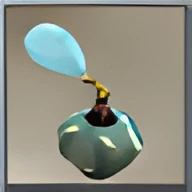 Perfume
Capable of incapacitating an adult moose, let alone the standard, garden variety hoodlum.
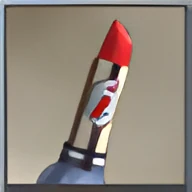 Lipstick
A deadly explosive disguised as women's lipstick.
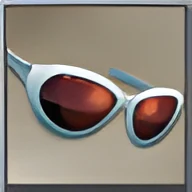 Sunglasses
These perfectly ordinary-looking sunglasses have been fitted with a zoomable spy camera.
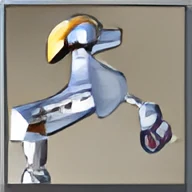 Robot Poodle
Mechanized poodle.
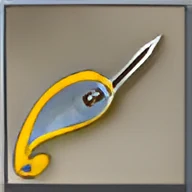 Barrette
A fashionable plastic barrette with a retractable lockpick.
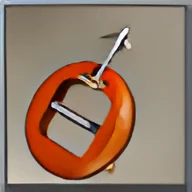 Belt buckle
What appears to be a stylish belt buckle is actually a short range zipcord.
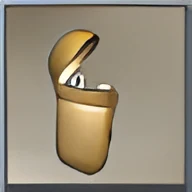 Cigarette lighter
Just an ordinary, run-of-the-mill… cigarette lighter.
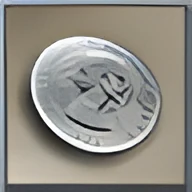 Coin
It's a coin. Not much more to say about it, is there?
Controls
Play with a keyboard and mouse, by touch on a phone or tablet, or with a game controller. The keyboard and mouse controls are the game's own defaults, as printed on the reference card. Every control can be changed: pause, then Controls and Customize, for any key, mouse button or wheel direction, the controller's buttons, and the touch buttons (which you can also move and resize).
New: touch and controller play. If something is off on your device, tell us ().
With a keyboard and mouse
- Move
- W A S D
- Look
- Mouse
- Fire
- Left button
- Use
- E or right button
- Scope zoom
- Mouse wheel: up zooms in, down zooms out (or N and M)
- Reload
- R or middle button
- Switch weapon
- 1 to 0, or Shift next and ] previous
- Jump
- Space
- Crouch
- C
- Next ammo
- Ctrl
- Mission objectives
- O
- Stuck? Where to go next
- Ctrl+Shift+H
- Cheats
- Ctrl+Shift+G
- Show these controls
- Ctrl+Shift+K
- Pause (and the game's menu)
- Esc
- Quick save
- Ctrl+Shift+S or F6
- Quick load
- F9
- Full screen
- Ctrl+Shift+F, F11
- Back to this page (saves first)
- Ctrl+Shift+M, ◀ Mission select
- Report a bug
- Ctrl+Shift+B
- Change any of these
- Pause, then Controls and Customize: every key, mouse button and wheel direction, the controller and the touch buttons
Cheat codes CLASSIFIED
Press T, type the code, press Enter.
mpimyourfathernobody can hurt youmpkingoftehmonstarsevery weaponmpmapholeskip to the next part
On a phone or tablet
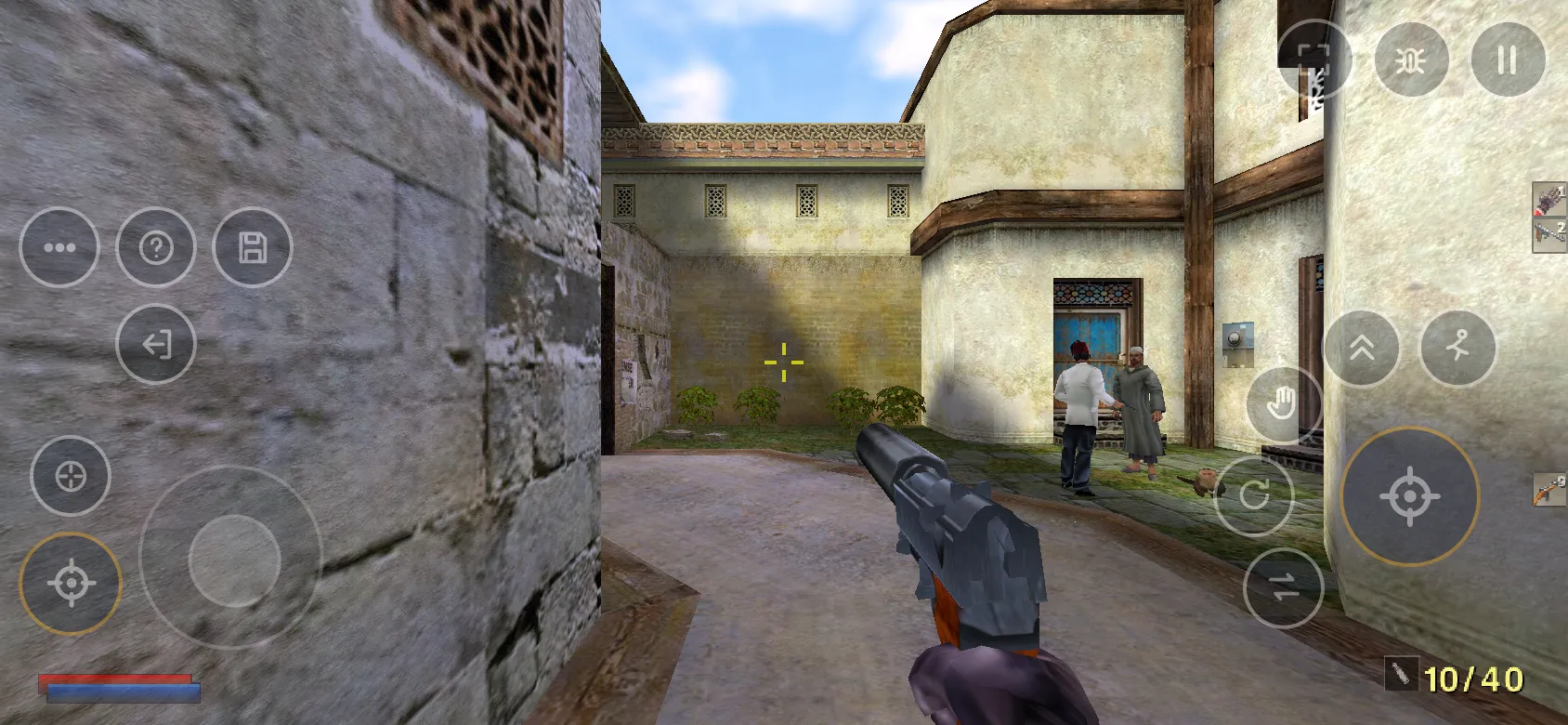
Left thumb
Right thumb
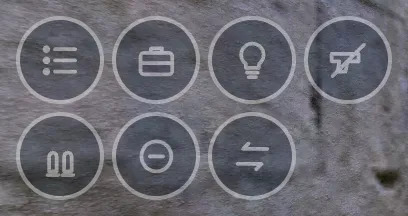
Tap 11 More, and this tray opens in place of the corner icons.
- 18Goals Mission objectives: what you have to do.
- 19Gear Open your inventory of gear and gadgets.
- 20Light Flashlight on and off.
- 21Put away Put the weapon away, hands free.
- 22Ammo Next ammo type for this weapon.
- 23Zoom out Straight back to normal view.
- 24Prev Switch to the previous weapon.
- 1 Move
- Left thumb: touch and drag anywhere on the left half. A stick appears under your thumb.
- 2 Look
- Right thumb: drag on empty screen.
- 3 Fire
- Fire: the big button, lower right. Hold it, and drag to aim.
- 4 Left fire
- Fires too, so the right thumb can keep aiming.
- 5 Jump
- Jump up onto ledges and over gaps.
- 6 Duck
- Crouch. It stays down until you tap it again.
- 7 Reload
- Reload the weapon in your hands.
- 8 Use
- Use: open a door, pick something up, flip a switch.
- 9 Next weapon
- Switch to the next weapon. The previous one is in the More tray.
- 10 Zoom
- Scope zoom, with a scoped weapon: each tap closer, then back out.
- 11 More
- Opens a tray of the less used actions, numbers 18 to 24.
- 12 Hint
- Stuck? Shows where to go next. Tap again to close it.
- 13 Save
- Quick save: keeps the game where you stand.
- 14 Mission select
- Leave the level for the site’s mission list, saving first when it can. Tap twice within 3 seconds.
- 15 Full screen
- Full screen, in one tap, where the browser allows it. On an iPhone, which has none for web pages, it shows how to add the game to the Home Screen and play from there.
- 16 Report a bug
- Tell us about a bug or a problem; the report includes a screenshot.
- 17 Pause
- Pause, and the game’s menu. In the menus, tap what you want. The pause card has a Controls button for this guide.
Best held sideways: upright, the game asks you to turn the phone. The Full screen icon, top right, goes full screen in one tap. On an iPhone, which has no full screen for web pages, tap the Full screen icon in the game: it shows how to add the game to your Home Screen and play from there.
With a controller
- 1 Mission objectives
- View Create The small left button. Hold it for a hint.
- 2 Pause
- Menu Options The small right button: pause, and the game’s menu. In the menus the d-pad moves, A Cross picks, B Circle goes back. On the pause card, Y Triangle shows these controls.
- 3 Scope zoom
- LT L2 Left trigger. Scope zoom, with a scoped weapon: each tap closer, then back out.
- 4 Previous weapon
- LB L1 Left bumper. Switch to the previous weapon.
- 5 D-pad
- Up: next ammo. Down: put the weapon away. Left: flashlight. Right: inventory.
- 6 Move
- Left stick. Press it in (L3) and hold it to walk instead of run.
- 7 Fire
- RT R2 Right trigger. Fire: hold to keep firing.
- 8 Next weapon
- RB R1 Right bumper. Switch to the next weapon.
- 9 Reload
- X Square Reload the weapon in your hands.
- 10 Use
- Y Triangle Use: open a door, pick something up, flip a switch.
- 11 Crouch
- B Circle Crouch. Press again to stand.
- 12 Jump
- A Cross Jump up onto ledges and over gaps.
- 13 Look
- Right stick. Press it in (R3): Centre the view.
Plug in or pair a controller, then press a button. Xbox and PlayStation pads both work; every button is named both ways.